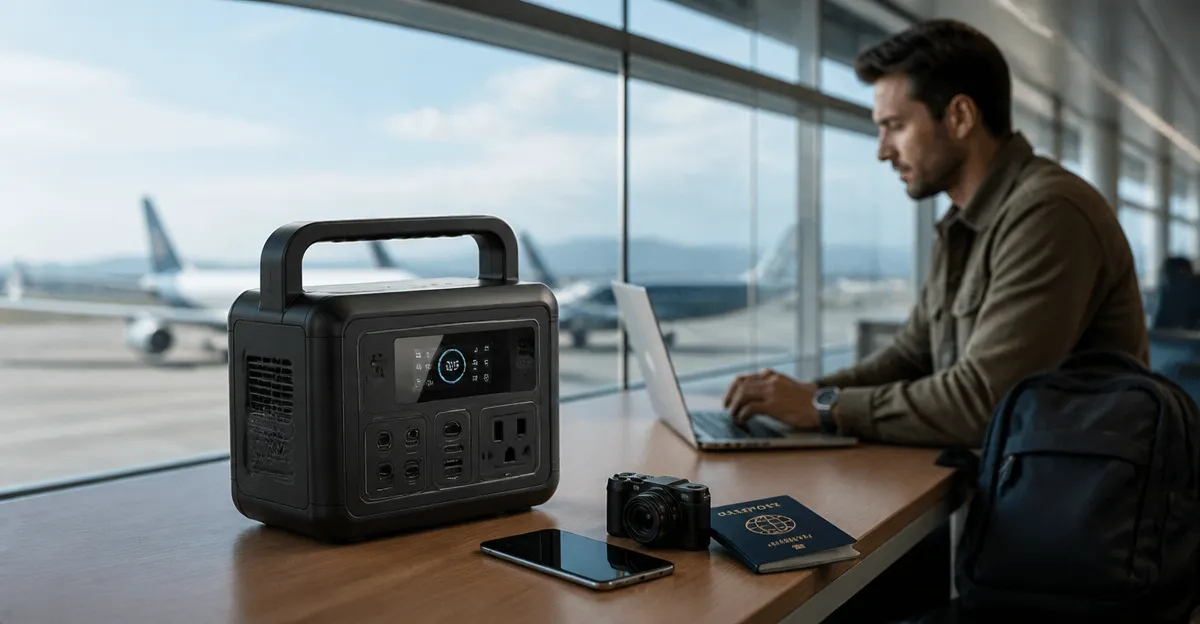
How to Get Warranty Service for Your Portable Power Station While Traveling Internationally
Introduction
When traveling across borders, a portable power station can become an essential lifeline for charging devices, running small appliances, and maintaining comfort during unexpected outages. However, a malfunction far from home can be stressful if the warranty process is unclear. This guide explains precisely how to obtain warranty service for your power station while abroad, ensuring minimal downtime and preserving the value of your investment. Readers will learn how to verify eligibility, gather necessary documentation, locate authorized service centers, and manage shipping logistics. By following these steps, one can navigate international warranty claims with confidence and efficiency.
What You’ll Need
- Proof of purchase (receipt or order confirmation).
- Serial number and model information of the power station.
- Access to a stable internet connection for email or app communication.
- Packaging materials (original box, protective foam, or a sturdy travel case).
- Optional: a reliable portable charger to keep communication devices powered during the process.
- Jackery Explorer 1000 v2 – 1070Wh capacity, 1500W AC output, 1‑hour fast charge.
- Anker SOLIX S2000 – 2010Wh capacity, 1500W continuous output, 35‑hour fridge backup.
- Jackery Explorer 300 – 292Wh capacity, ultra‑lightweight 7.5 lb design.
Step 1: Verify Warranty Eligibility
Begin by confirming that your portable power station is still covered under the manufacturer’s warranty. Most reputable brands, such as Jackery and Anker, provide a limited warranty ranging from one to ten years, depending on the model and battery chemistry. Locate the warranty card or visit the brand’s official website, where you can enter the serial number to view coverage status. For example, the Jackery Explorer 1000 v2 offers a ten‑year lifespan on its LiFePO4 battery, indicating a robust warranty that typically covers manufacturing defects. Recording the warranty expiration date will help you act promptly if a problem arises during travel.
Step 2: Gather Required Documentation
Manufacturers require specific documentation to process a warranty claim. Collect the original purchase receipt, which should display the purchase date, price, and seller information. If you bought the unit online, a digital order confirmation email is acceptable. Additionally, note the model name, serial number, and any photos that illustrate the defect. When traveling, keep a digital copy on your phone or cloud storage for quick access. Using a portable power station such as the Anker SOLIX S2000 ensures that your phone remains charged while you gather and upload these files, especially in regions with unreliable power grids.
Step 3: Locate an Authorized Service Center or Partner
International warranty service often relies on authorized service partners in the destination country. Visit the manufacturer’s support page and select the region you are visiting. For Jackery products, the website provides a searchable database of certified repair facilities. If a local partner is unavailable, the brand may arrange a mail‑in service to a regional hub. The Jackery Explorer 1000 v2 includes a smart app that can display the nearest service locations based on GPS coordinates, simplifying the search process. Record the center’s address, contact number, and operating hours before proceeding.
Step 4: Initiate Contact with Customer Support
With documentation ready, reach out to the manufacturer’s support team. Most brands offer multiple channels: email, phone, live chat, or a dedicated mobile app. When contacting Jackery, the app allows you to submit a warranty claim directly, attaching photos and receipts. Clearly describe the issue, the circumstances under which it occurred, and the steps you have already taken to troubleshoot. For Anker, email support is the preferred method for international claims; include the serial number, purchase proof, and a concise description of the malfunction. Prompt, polite communication accelerates the approval process and reduces the likelihood of additional information requests.
Step 5: Prepare the Power Station for Shipment
Once the claim is approved, the service center will provide shipping instructions. Use the original packaging whenever possible, as it is engineered to protect the unit during transit. If the original box is unavailable, select a sturdy travel case or a high‑quality cardboard box with sufficient padding. The Jackery Explorer 300 is lightweight, making it easy to pack securely without exceeding airline weight limits. Include a printed copy of the warranty claim reference number, a brief description of the fault, and a prepaid return label if supplied. Seal the package with strong tape and label it clearly with the service center’s address.
Step 6: Track the Shipment and Follow Up
After dispatch, retain the tracking number and monitor the shipment’s progress. International customs can cause delays; therefore, keep the service center informed of any unusual hold‑ups. If the repaired unit is returned, inspect it immediately to verify that the issue has been resolved and that the warranty seal is intact. Should any new concerns arise, reopen the communication channel with the support team, referencing the original claim ID. Maintaining a log of all interactions, including dates and representative names, provides a clear audit trail should further escalation be required.
Tips & Pro Tips
- Backup Power for Communication: Keep a portable charger like the Jackery Explorer 1000 v2 charged at all times. Its 1‑hour fast charge capability ensures your phone remains operational for urgent updates.
- Document the Defect Thoroughly: Record a short video demonstrating the malfunction. Visual evidence often speeds up claim approval.
- Understand Local Regulations: Some countries require import permits for electronic repairs. Verify any such requirements before shipping.
- Use a Reliable Courier: Choose a carrier that offers insurance and signature‑on‑delivery to protect against loss.
- Keep All Receipts: Retain both the original purchase receipt and the shipping receipt for potential reimbursement.
Troubleshooting Common Issues
| Problem | Possible Cause | Solution |
|---|---|---|
| Power station will not turn on | Dead battery or faulty power button | Attempt a hard reset by holding the power button for 10 seconds; if unsuccessful, initiate a warranty claim. |
| USB‑C port not charging devices | Port debris or internal fault | Clean the port with compressed air; test with a different cable. If the issue persists, request service. |
| Battery drains rapidly | Defective battery cell | Run a full discharge‑recharge cycle; record the performance. If capacity remains low, file a claim. |
Conclusion
Securing warranty service for a portable power station while traveling internationally does not have to be a daunting task. By verifying warranty coverage, assembling proper documentation, locating authorized service centers, and following clear shipping procedures, one can minimize downtime and protect the investment. The recommended products—Jackery Explorer 1000 v2, Anker SOLIX S2000, and Jackery Explorer 300—provide reliable power and communication support throughout the process. Apply the steps and pro tips outlined above, and you will be well‑prepared to handle any warranty situation, no matter where your travels take you.
Products Mentioned in This Guide
Frequently Asked Questions
How can I confirm my portable power station is still under warranty when traveling abroad?
Check the purchase date and warranty period on the manufacturer’s website or app, and enter your serial number to verify coverage.
What documentation do I need for an international warranty claim?
You’ll need the original receipt or order confirmation, the device’s serial number and model, and any warranty registration details.
How do I locate an authorized service center in a foreign country?
Use the manufacturer’s online service locator, entering your destination country to see approved repair facilities nearby.
What is the best way to package my power station for shipping to a service center?
Place the unit in its original box with protective foam, or use a sturdy travel case and secure it with bubble wrap and packing tape.
How long does an international warranty repair typically take?
Processing times vary, but most manufacturers aim to complete repairs within 2‑4 weeks after receiving the shipped unit.