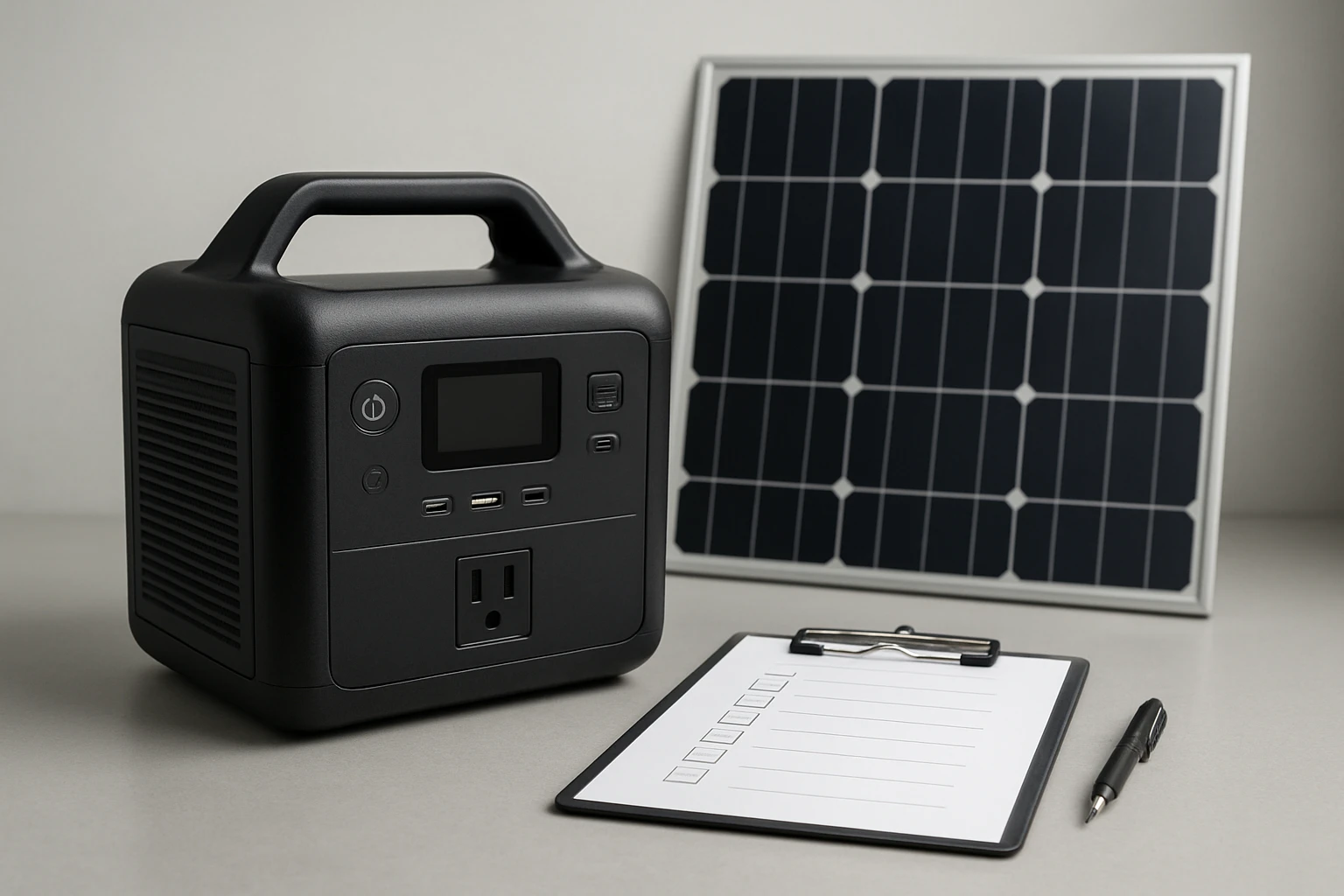
The Ultimate Solar Generator Maintenance Checklist: A Step‑by‑Step Guide to Maximize Lifespan & Performance
Introduction
Solar generators have become essential for emergency preparedness, off‑grid living, and mobile power needs. This guide explains how to maintain a solar generator so that it delivers reliable power for years. Readers will learn routine inspection procedures, battery care techniques, cleaning protocols, and how to select accessories that complement the maintenance routine.
The checklist is organized into logical sections, each supported by expert recommendations and a product that adds tangible value. By following the steps outlined herein, one can avoid costly downtime, preserve warranty coverage, and ensure optimal efficiency during every charge and discharge cycle.
The guide assumes a basic familiarity with solar power terminology but provides clear definitions for any technical terms that appear. No prior engineering background is required.
Throughout the article, the first mention of each recommended product is linked directly to its Amazon listing using a friendly name.
Background and Context
A solar generator consists of a photovoltaic array, a charge controller, a battery bank, and an inverter. The photovoltaic panels convert sunlight into direct current (DC) electricity, which the charge controller regulates before storing it in the battery bank. The inverter transforms stored DC into alternating current (AC) that powers household appliances.
The most common battery chemistries are lithium‑ion, lithium‑iron‑phosphate (LiFePO4), and lead‑acid. Each chemistry has distinct maintenance requirements, but all benefit from temperature management, regular voltage checks, and protection against over‑discharge.
In addition to the core components, many users employ auxiliary accessories such as power adapters, surge protectors, and external battery monitors. Selecting high‑quality accessories can prevent premature wear and improve overall system safety.
Understanding these fundamentals provides the foundation for the maintenance checklist that follows.
Routine Inspection and Cleaning
Perform a visual inspection of the generator at least once per month. Look for cracked housing, loose connectors, and signs of corrosion on terminals. Dust and debris can obstruct airflow, causing the inverter to overheat.
Use a soft brush or compressed air to remove dust from the ventilation grilles. Avoid using liquid cleaners on electrical components; a lightly dampened microfiber cloth is sufficient for exterior surfaces.
Check that all protective caps, such as those on the power outlets, are intact. Missing caps can allow moisture ingress, which leads to short circuits.
For users who need to split a 30‑amp generator outlet into multiple 120‑volt circuits, the Rophor 30A to 110V Generator Adapter provides a reliable solution. This adapter converts a 30 A locking receptacle to four grounded 5‑20R outlets, enabling simultaneous operation of up to four devices while maintaining safety standards.
Battery Care and Management
Battery health is the most critical factor in generator longevity. For lithium‑based batteries, maintain a state‑of‑charge (SOC) between 20 % and 80 % when the system is idle. This range reduces stress on the cells and extends cycle life.
Lead‑acid batteries require periodic equalization charges to balance cell voltages. Follow the manufacturer’s recommended equalization voltage and duration to avoid over‑charging.
Temperature has a direct impact on battery performance. Store the generator in a location where ambient temperature remains between 10 °C and 30 °C (50 °F–86 °F). If the unit is exposed to extreme heat, consider installing a ventilation fan or a battery thermal management module.
Monitoring devices such as a digital battery monitor can display real‑time voltage, current, and SOC. While the guide does not recommend a specific monitor, pairing one with the generator enhances preventive maintenance.
Inverter and Power Output Maintenance
The inverter converts stored DC power into usable AC power. Over time, the inverter’s internal cooling fan may accumulate dust, reducing its efficiency. Clean the fan blades quarterly using a soft brush.
Inspect the inverter’s output waveform with a multimeter or power quality analyzer. A clean sine wave indicates proper operation; distortion may signal a failing inverter that requires professional service.
If the generator is frequently used to power sensitive electronics, a surge protector should be installed between the inverter and the load. The Rophor 30A to 110V Generator Adapter includes dust‑protected receptacles that reduce the risk of debris‑induced short circuits.
Charging System Checks
Verify that the charge controller is functioning correctly by measuring the voltage at the battery terminals while the solar panels are illuminated. The voltage should match the controller’s rated output for the battery chemistry.
Inspect the photovoltaic cables for cracks, abrasion, or UV degradation. Replace any compromised cable to prevent power loss and potential fire hazards.
Ensure that the solar panels are oriented for maximum sun exposure. Seasonal adjustments may be required to maintain optimal angle of incidence.
Comparison and Selection Guide
When selecting accessories for a solar generator, prioritize safety, compatibility, and durability. The table below compares three common categories of accessories that complement the maintenance routine.
| Accessory Type | Key Features | Typical Price Range | Recommended Product |
|---|---|---|---|
| Power Adapter | Multiple grounded outlets, dust‑protected caps, 10 AWG copper conductors | $25–$35 | Rophor 30A to 110V Generator Adapter |
| Battery Monitor | Real‑time SOC, voltage, current display, alarm thresholds | $30–$80 | Generic high‑quality monitor (not listed) |
| Ventilation Fan | Temperature‑controlled operation, low noise, easy mounting | $20–$45 | Universal 12 V DC fan (not listed) |
For users who need to convert a high‑current generator outlet into multiple standard AC receptacles, the Rophor adapter stands out because it combines robust 10 AWG copper conductors with dust‑proof caps, ensuring both performance and safety. Its 4.7‑star rating from 329 reviews indicates strong customer satisfaction.
Best Practices & Tips
- Log all maintenance activities in a dedicated notebook or digital spreadsheet. Include dates, observations, and any corrective actions taken.
- Perform a full discharge test annually to assess battery health. Recharge the system to 100 % after the test to recalibrate the battery management system.
- Use a surge protector with a rating of at least 1500 W when connecting sensitive electronics to the inverter.
- Schedule professional servicing for the inverter after 500 operating hours, or sooner if performance degradation is observed.
- When storing the generator for extended periods, disconnect the battery and store it at approximately 50 % charge in a cool, dry environment.
Frequently Asked Questions
- How often should I check the battery voltage? It is advisable to measure the voltage at least once per month during normal operation and before each long‑term storage period.
- Can I use the generator indoors? Only if the unit is equipped with an exhaust filter and the area is well ventilated. Most solar generators produce no combustion emissions, but the inverter can generate heat that must be dissipated.
- What is the recommended storage temperature for lithium batteries? Store the batteries between 10 °C and 25 °C (50 °F–77 °F) to minimize capacity loss over time.
- Is it safe to connect multiple high‑draw appliances simultaneously? Use a power adapter such as the Rophor 30A to 110V Generator Adapter to distribute load across separate circuits, and never exceed the generator’s total wattage rating.
- How do I know when the inverter needs replacement? Symptoms include frequent overload warnings, audible buzzing, or a significant drop in output voltage under load.
- Do I need to clean the solar panels? Yes. Clean the panel surface with a soft, non‑abrasive cloth and mild soap solution at least twice per year to maintain optimal energy conversion.
- Can I upgrade the battery bank? Upgrading is possible if the new batteries match the system’s voltage and are supported by the charge controller. Consult the manufacturer before making changes.
Conclusion
The longevity and performance of a solar generator depend on disciplined maintenance, informed battery management, and the use of reliable accessories. By following the step‑by‑step checklist presented in this guide, one can safeguard the investment, reduce unexpected outages, and enjoy consistent power whenever needed.
Regular inspections, proper charging practices, and the integration of quality components such as the Rophor 30A to 110V Generator Adapter create a resilient power system that serves both everyday convenience and emergency preparedness.
Products Featured in This Guide
Rophor 30A to 110V Generator Adapter
Price: $29.99
Rating: 4.7 out of 5 stars (329 reviews)
Why it is featured: This adapter provides four grounded 5‑20R outlets from a single 30 A generator plug, enabling flexible power distribution while incorporating dust‑protected caps and 10 AWG copper conductors for safety and durability.