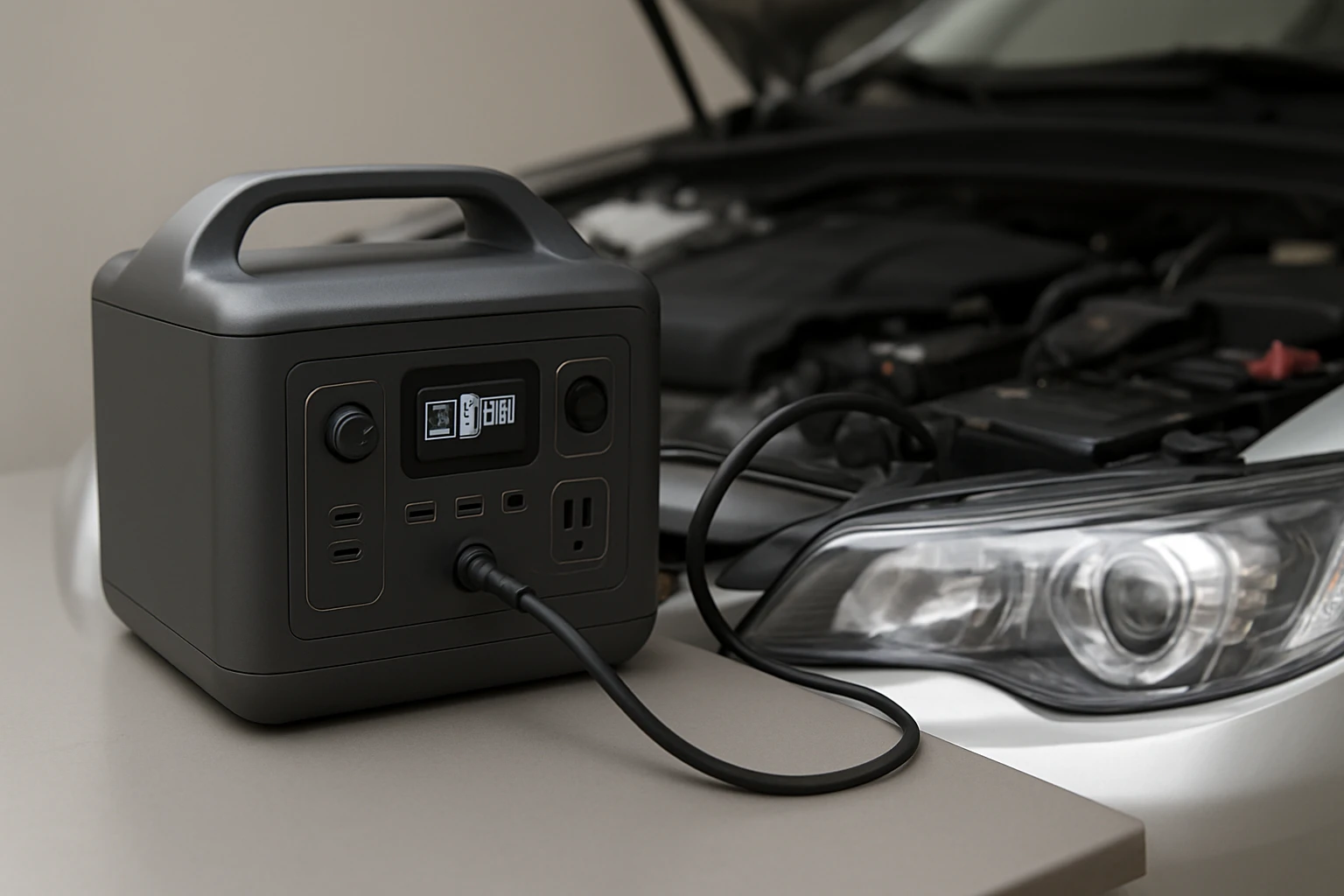
How to Safely Charge a Portable Power Station from Your Car Alternator — Step‑by‑Step Guide
Introduction
One often encounters situations in which a mobile power source is required while travelling, camping, or during an unexpected power outage. This guide explains how to charge a portable power station directly from a vehicle alternator, ensuring that the process remains safe, efficient, and reliable. Readers will learn the required equipment, the precise sequence of actions, and the best practices that protect both the power station and the vehicle electrical system. By following these instructions, one can extend the usable runtime of devices such as laptops, lights, and communication tools without reliance on grid power.
What You'll Need
- A portable power station with a 12 V DC input port (e.g., Jackery Explorer 300).
- The accompanying car charger cable that ships with the power station (or an equivalent high‑current DC cable).
- A reliable USB‑C charging cable for auxiliary devices, such as the KUXIYAN Nylon USB‑C Cable or the Anker Carplay Cable if data sync is required.
- A fused inline fuse holder rated for at least 10 A to protect the vehicle wiring.
- A basic set of tools: wire strippers, a screwdriver, and a multimeter for voltage verification.
Step 1: Verify Compatibility of the Power Station
Before connecting any cables, one must ensure that the selected power station accepts a 12 V DC input. The Jackery Explorer 300 features a dedicated DC car port rated at 12 V and up to 10 A, making it ideal for direct alternator charging. Its built‑in Battery Management System (BMS) monitors voltage and temperature, preventing over‑charging and thermal runaway. The unit also provides a pure sine‑wave AC inverter, which is safer for sensitive electronics than a modified sine wave. By confirming these specifications, one avoids mismatched voltage that could damage the battery cells.
Step 2: Prepare the Vehicle's Electrical System
Locate a clean, un‑fused 12 V accessory socket (cigarette lighter) or a direct connection to the battery positive terminal. Direct battery connection offers higher current capacity and reduces voltage drop, but it requires careful handling. Install an inline fuse holder between the vehicle source and the power station cable; a 10 A fuse matches the Jackery DC port rating and safeguards the vehicle wiring. Use a multimeter to confirm that the socket supplies between 12.5 V and 14.5 V while the engine is running, as the alternator typically raises voltage to approximately 13.8 V. This verification step ensures that the power station receives a stable charging voltage.
Step 3: Connect the Car Charger Cable
Attach the car charger cable that accompanies the power station to the vehicle's 12 V source. For the Jackery Explorer 300, the included cable terminates in a standard cigarette‑lighter plug that mates securely with the socket. If a direct battery terminal connection is preferred, splice the cable leads to the appropriate terminals, ensuring the polarity is correct (red to positive, black to negative). The cable is rated for up to 10 A, which aligns with the power station's maximum input current. Secure the connection to prevent accidental disconnection while driving.
Step 4: Initiate Charging and Monitor Parameters
Power on the vehicle engine to allow the alternator to generate electricity. Press the power button on the power station; the LCD display will show the input voltage and charging current. The Jackery Explorer 300 typically draws 5‑8 A from a 12 V source, completing an 80 % charge in roughly two hours. Observe the temperature indicator; the BMS will automatically reduce input current if the battery temperature exceeds safe limits. Maintaining a moderate engine RPM (above 1500 rpm) helps the alternator sustain a stable voltage during the charging process.
Step 5: Use a USB‑C Cable for Simultaneous Device Charging
While the power station charges, one may also power auxiliary devices through its USB‑C port. The KUXIYAN Nylon USB‑C Cable offers fast 3.1 A charging and reliable data sync, making it suitable for smartphones, tablets, or GPS units. Its braided nylon jacket provides durability against abrasion and heat, which is valuable in a vehicle environment. Connect the cable to the power station's USB‑C PD port and to the device; the power station will manage power distribution without overloading the DC input.
Step 6: Secure All Cables and Store Equipment
After the desired charge level is reached, turn off the power station and disconnect the car charger cable. Coil the cable neatly and store it in the power station's soft zippered pouch (included with the Jackery). If a direct battery connection was used, disconnect the leads, reinstall any protective caps, and secure the fuse holder in a protected location. Keeping cables organized prevents tripping hazards and protects connectors from wear.
Tips & Pro Tips
- Never attempt to charge a power station while the vehicle engine is off; the alternator will not generate sufficient voltage, leading to stalled charging and potential battery drain.
- If the vehicle has a USB‑C port, the Anker Carplay Cable can serve as a backup charging line for small devices, but it does not replace the high‑current DC input required for the power station.
- For extended trips, consider pairing the power station with a solar panel such as the Jackery SolarSaga 100 (sold separately) to supplement alternator charging and reduce fuel consumption.
- Regularly inspect the fuse holder and cables for signs of wear, corrosion, or overheating; replace any compromised components immediately.
Troubleshooting
Problem: The power station does not indicate charging.
Solution: Verify that the vehicle socket is delivering at least 12.5 V with the engine running. Check the inline fuse for continuity and ensure the car charger cable is fully seated.
Problem: The power station overheats during charging.
Solution: Reduce engine RPM, improve ventilation around the power station, or pause charging to allow the BMS to cool the battery pack.
Problem: Devices connected via USB‑C charge slowly.
Solution: Confirm that the power station is not operating at its minimum input current (e.g., when the vehicle is idling). Increase engine RPM or use a higher‑current DC cable if available.
Conclusion
Charging a portable power station from a car alternator provides a dependable energy source for on‑the‑road adventures and emergency scenarios. By selecting a compatible unit such as the Jackery Explorer 300, using the proper car charger cable, and following the safety steps outlined above, one can achieve rapid and secure charging while protecting both the vehicle and the battery. Implementing the tips and troubleshooting advice further ensures long‑term reliability. One is now equipped to maintain power independence wherever the journey leads.
Products Mentioned in This Guide
Frequently Asked Questions
Can I charge any portable power station from my car alternator?
Only models with a 12 V DC input (like the Jackery Explorer 300) can be charged directly; check the manufacturer’s specifications first.
What type of cable is required to connect the power station to the alternator?
Use the high‑current DC car charger cable that comes with the station or an equivalent 12 V cable rated for the station’s maximum input amperage.
How do I prevent overcharging or damaging the power station while using the alternator?
Ensure the power station has built‑in voltage regulation and disconnect it once the battery reaches full charge or use a smart charge controller.
Is it safe to charge the power station while the engine is off?
No; the alternator only produces voltage when the engine runs, so charging with the engine off won’t work and could drain the vehicle battery.
What are the best practices for maintaining vehicle electrical system health during charging?
Run the engine at idle or higher RPM, monitor the vehicle’s battery voltage, and avoid exceeding the charger’s current rating to protect both the car and the power station.