Introduction
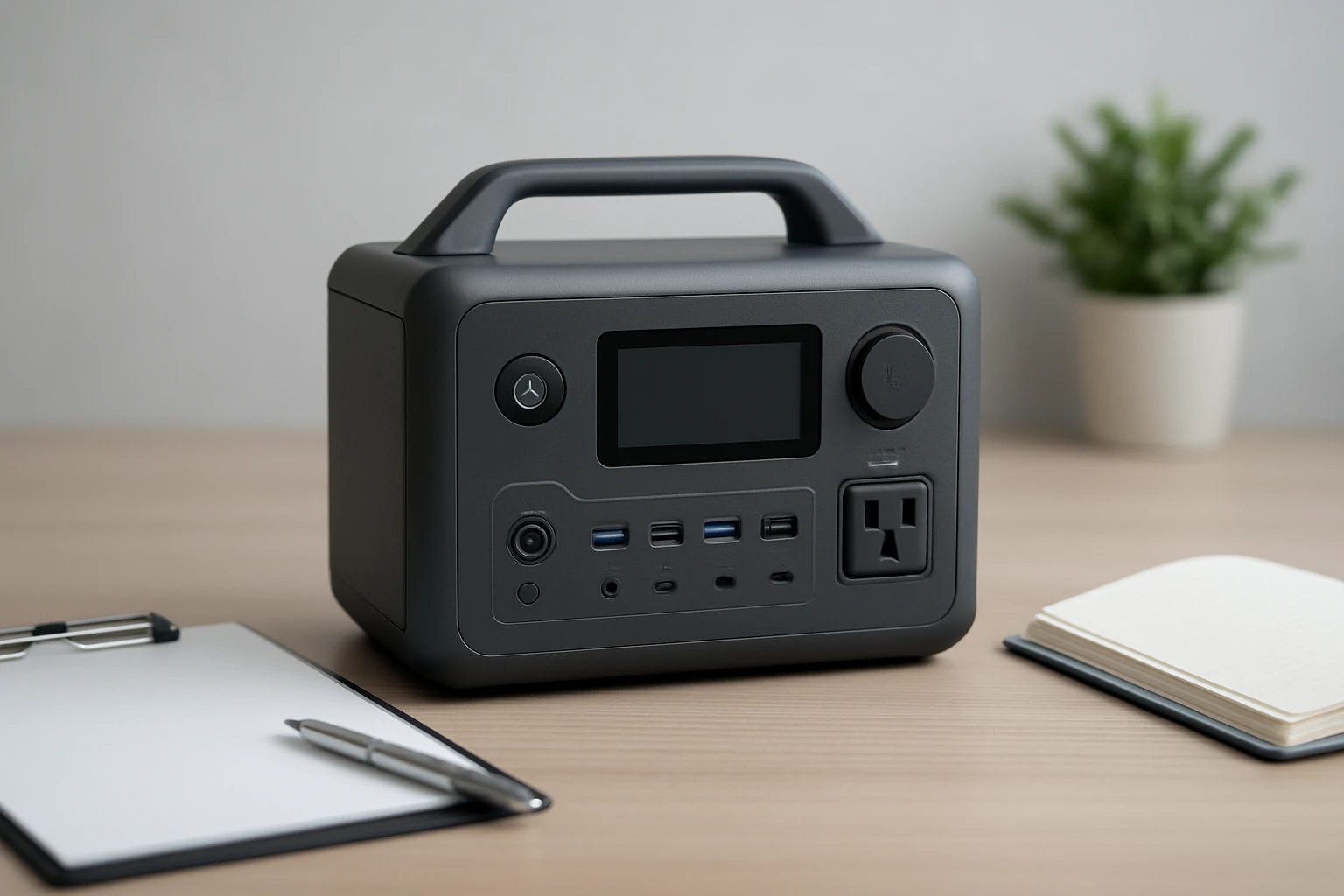
This guide explains how to ready a portable power station for resale, ensuring that all personal data is removed, settings are restored to factory defaults, and the unit appears as new to the buyer. One will learn why data security matters, how to avoid warranty voiding, and which tools simplify each step. The process reduces post‑sale disputes and enhances buyer confidence. Following this checklist will make the transaction smoother and more professional.
What You'll Need
- Phillips‑head screwdriver set (for battery compartment access)
- Soft microfiber cloth
- Isopropyl alcohol (70% or higher) for cleaning contacts
- USB‑C wall charger of at least 18W
- Protective carrying bag
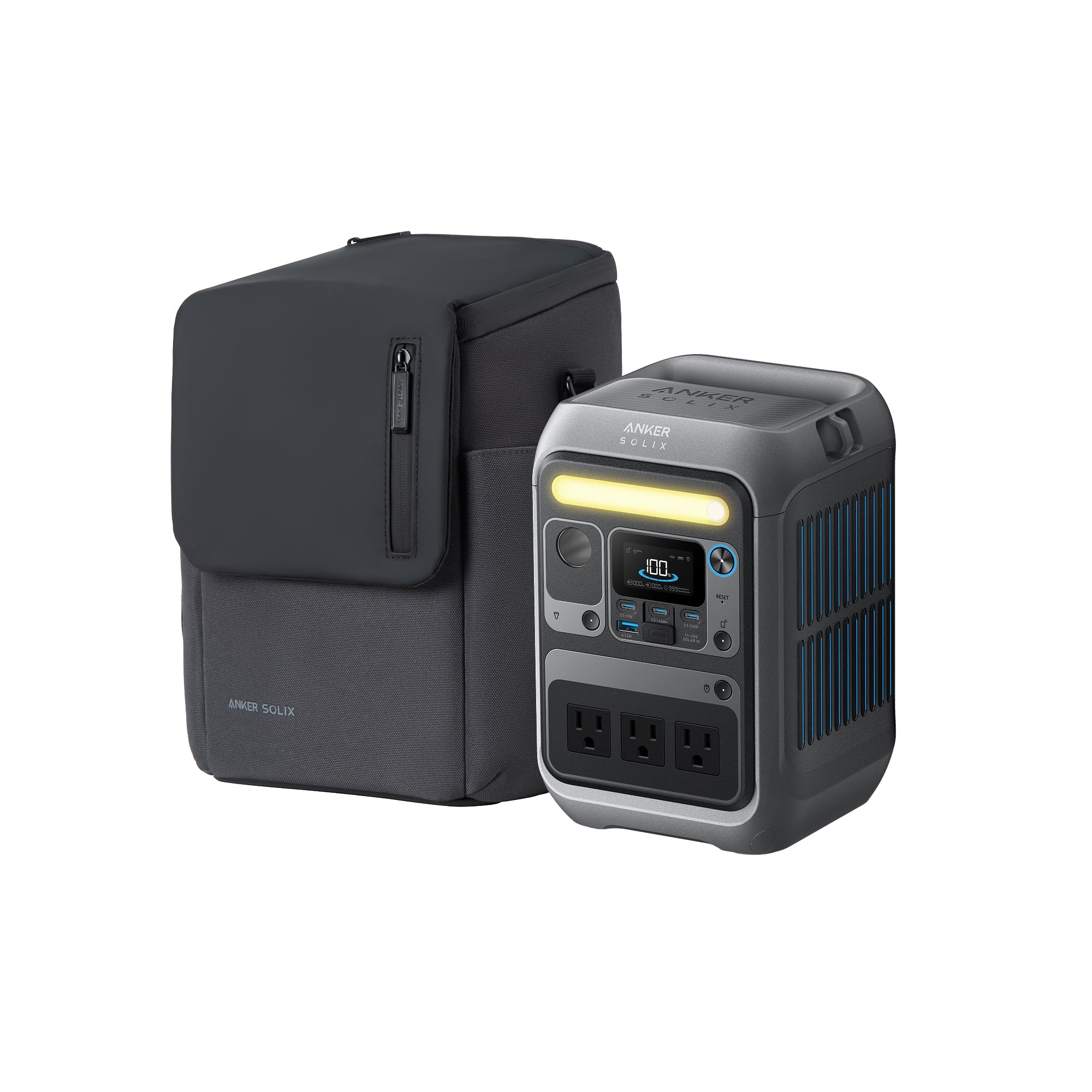
- Anker SOLIX C300 (optional but highly recommended for testing power output after reset)
Step 1: Verify Ownership and Documentation
Before any technical work, gather the original receipt, warranty card, and user manual. One should confirm that the unit is not under an active warranty claim, as resetting may affect warranty eligibility. Keep these documents in a folder that will accompany the sale. Providing the buyer with authentic paperwork adds credibility and reduces future disputes.
Step 2: Perform a Full Battery Discharge
To protect the LiFePO4 battery, fully discharge the power station by powering a low‑draw device (such as a LED lamp) until the unit indicates a low‑battery state. This step ensures that the battery management system can recalibrate during the reset. Avoid using high‑draw appliances during discharge, as they may cause premature shutdown. Once the battery is depleted, allow the unit to rest for five minutes.
Step 3: Reset the Device to Factory Settings
Locate the reset button on the back panel; it is often recessed and requires a thin tool like a paperclip. Press and hold the button for ten seconds until the display blinks, indicating a factory reset. This action clears any custom power profiles, paired Bluetooth devices, and stored usage logs. After the reset, the power station will restart with default settings, ready for the next owner.
Step 4: Securely Wipe Any Stored Data
Although the SOLIX C300 does not store personal files, it retains usage statistics that could infer user habits. To erase these logs, navigate to the Settings menu via the LCD screen, select "Data Management," and choose "Clear History." Confirm the action when prompted. Performing this step guarantees that no residual data remains.
Step 5: Test Charging and Discharging Functions
Connect an Anker SOLIX C300 to a reliable 18W USB‑C wall charger and allow it to charge to 80% within an hour, as advertised. Verify that the LED indicators display the correct charge level and that the USB‑C ports deliver the expected output (140W, 100W, and 15W). Next, plug a small device (e.g., a phone) into a USB‑A port and confirm stable power delivery. Document the results for the buyer’s reference.
Step 6: Clean the Exterior and Ports
Use a soft microfiber cloth lightly dampened with 70% isopropyl alcohol to wipe the case, ensuring no residue remains. Gently clean each port opening to remove dust or debris that could affect connectivity. Avoid excessive moisture, especially near the battery compartment, to prevent corrosion. A clean appearance enhances perceived value and reduces buyer hesitation.
Step 7: Re‑Package in Protective Bag
Place the power station back into its original protective bag, which measures 11.77 × 8.98 × 3.58 inches and weighs only 1.41 lb, making it convenient for transport. Ensure that the USB‑C to C charging cable and quick‑start guide are included, as they were listed in the original box contents. If any accessories are missing, consider providing compatible replacements to maintain completeness.
Step 8: Create a Detailed Listing Description
Write a concise yet thorough product description that highlights the 300W output, 288 Wh capacity, and fast‑charging capabilities. Mention the LiFePO4 battery’s longevity and the ability to recharge to 80% in one hour via dual PD 3.1 ports. Include the condition of the unit (e.g., "Like New, factory‑reset, fully tested"). Adding high‑resolution photos of the cleaned device and accessories will attract more buyers.
Tips & Pro Tips
- Always use a certified 18W or higher USB‑C charger for the initial activation; lower‑power chargers may fail to initialize the battery management system.
- If the power station does not reach 80% charge within the expected time, inspect the charging cable for damage and replace if necessary.
- When photographing the unit, use natural lighting to avoid glare on the LCD screen.
- Consider offering a short video demonstration of the device powering a small appliance; visual proof can increase buyer trust.
Troubleshooting
Problem: The unit does not power on after reset.
Solution: Verify that the battery is charged to at least 20%. If not, connect the charger for 30 minutes and attempt to power on again. If the problem persists, inspect the reset button for debris and clean gently.
Problem: USB‑C ports deliver less than the advertised power.
Solution: Ensure the charger supports PD 3.1 and provides at least 18W. Use the included USB‑C to C cable; third‑party cables may have higher resistance.
Conclusion
By following this comprehensive pre‑sale checklist, one can securely wipe data, restore factory settings, and present a portable power station that appears brand new to potential buyers. The steps protect personal information, maintain warranty integrity, and enhance the perceived value of the device. Implementing these practices will lead to smoother transactions and higher buyer satisfaction. One is now equipped to sell a portable power station confidently and professionally.
Products Mentioned in This Guide
Frequently Asked Questions
How do I securely erase personal data from a portable power station before selling it?
Use the factory reset function in the settings menu, then power off and disconnect the battery to ensure all stored data is cleared.
What tools are needed to open and clean a portable power station for resale?
A Phillips‑head screwdriver, soft microfiber cloth, 70%+ isopropyl alcohol, and an 18W USB‑C charger are recommended.
Can resetting the unit void its warranty?
Performing a standard factory reset does not void the warranty, but opening the case may if it breaches the manufacturer’s terms.
How can I verify the power output after resetting the station?
Connect a known load or use a tester like the Anker SOLIX C300 to measure voltage and wattage before listing the device.
Why is it important to keep the original receipt and warranty card when selling?
They prove ownership, validate any remaining warranty, and increase buyer confidence, reducing post‑sale disputes.