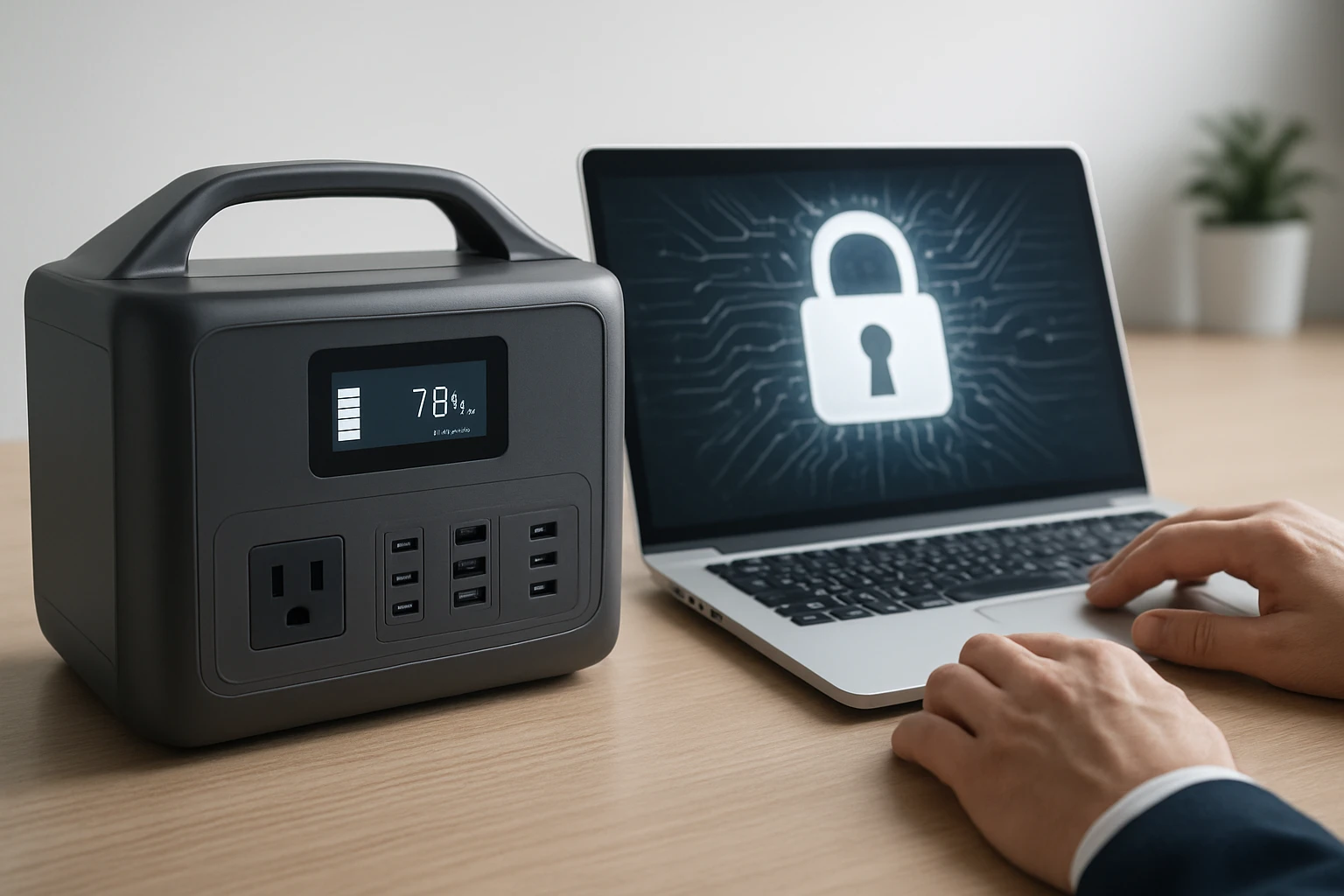

Portable Power Station Firmware Update Cybersecurity Risks: A Complete Guide to Threats, Prevention & Secure Update Steps
Introduction
Portable power stations have become essential tools for outdoor enthusiasts, remote workers, and emergency preparedness. As these devices evolve, manufacturers deliver new functionality and security patches through firmware updates. However, the update process can expose users to cyber threats such as malicious code injection, man‑in‑the‑middle attacks, and unauthorized remote access. This guide explains the nature of firmware‑related risks, provides a solid technical background, and outlines practical steps to ensure that updates are performed securely. Readers will also discover product recommendations that incorporate robust security features, a comparison chart to aid selection, and a set of best‑practice tips that reduce exposure to malicious actors.
Background and Context
Firmware is the low‑level software that controls the hardware functions of a power station, including battery management, charge‑controller logic, and communication interfaces. Unlike operating‑system updates on computers, firmware updates are often delivered via proprietary tools, USB connections, or wireless interfaces. Because the firmware runs with elevated privileges, any compromise can grant an attacker full control over the device, potentially allowing power theft, data exfiltration, or the creation of a launch platform for broader network attacks.
Several incidents in the broader Internet‑of‑Things (IoT) space illustrate the seriousness of firmware vulnerabilities. In 2022, a popular smart plug series suffered a firmware flaw that permitted remote code execution, enabling attackers to disrupt home automation systems. Similar vectors exist for portable power stations, especially when manufacturers provide over‑the‑air (OTA) update capabilities without proper authentication or encryption.
Understanding the threat landscape requires familiarity with common attack vectors, the cryptographic mechanisms used to protect firmware images, and the typical update workflows employed by manufacturers. The sections that follow dissect these elements and provide actionable guidance.
Key Firmware Update Threats
Three primary categories of threats affect firmware updates for portable power stations:
- Unauthenticated Update Packages: When a device accepts firmware files without verifying digital signatures, an adversary can supply malicious code that the device will install as if it were a legitimate update.
- Man‑in‑the‑Middle (MITM) Interception: If the update is transmitted over an unencrypted channel, a network attacker can alter the firmware payload, inject backdoors, or replace the file entirely.
- Compromised Update Servers: Attackers who breach the manufacturer’s update server can replace legitimate firmware binaries with compromised versions, affecting all downstream users.
Each of these scenarios can lead to loss of power, data integrity issues, or the creation of a persistent foothold within a user’s environment. Mitigation begins with verifying that the device implements cryptographic signing, secure transport (TLS), and integrity checks.
Secure Firmware Update Process
A secure update workflow typically follows these steps:
- Firmware Build: The manufacturer compiles the firmware and signs the binary with a private key.
- Distribution: The signed firmware is uploaded to a server that serves the file over HTTPS.
- Verification: The device downloads the file, validates the digital signature using the embedded public key, and checks the cryptographic hash.
- Installation: Upon successful verification, the device writes the new firmware to a protected memory region, often using a dual‑bank architecture to allow rollback in case of failure.
- Confirmation: The device reports the update status to the user or cloud management console.
Any deviation from this sequence introduces risk. Users should therefore prefer devices that explicitly advertise signed OTA updates and encrypted communications.
Product Recommendations for Secure Power Management
When selecting a portable power station, security should be considered alongside capacity, weight, and price. The following products exemplify strong design choices while delivering practical performance for outdoor and emergency use.
Secure Device Example: Anker SOLIX C300
The Anker SOLIX C300 offers a 288 Wh LiFePO4 battery, 300 W continuous output, and a suite of USB‑C Power Delivery ports. Anker’s firmware management system employs signed updates delivered via the Anker PowerHouse app, which uses TLS encryption for all communications. The device’s impact‑resistant enclosure and three‑year battery guarantee further reinforce its reliability in demanding scenarios.
- Capacity: 288 Wh
- Output Power: 300 W
- Ports: 1× car socket (120 W), 3× USB‑C (two 140 W, one 100 W), 1× USB‑C (15 W), 2× USB‑A (12 W)
- Rating: 4.6/5 from 1,566 reviews
- Price: $179.99
Its compact design, being 30 % smaller than comparable models, makes it suitable for both travel and emergency kits. Users who keep the device’s firmware current benefit from Anker’s ongoing security patches.
Budget‑Friendly Option: MARBERO 88Wh Portable Power Station
The MARBERO unit provides 88 Wh of capacity and a versatile set of eight output ports, including AC, DC, USB‑A, and USB‑C. While the manufacturer does not explicitly market OTA firmware signing, the device includes a built‑in Battery Management System (BMS) that enforces voltage and temperature controls, reducing the likelihood of firmware‑related hardware failures. Users should verify that the supplied USB‑C PD cable is used for updates to avoid accidental exposure to insecure hosts.
- Capacity: 88 Wh
- Peak Power: 120 W
- Ports: 2× AC, 1× car DC, 2× USB‑C PD, 2× USB‑A, 1× USB‑C (15 W)
- Rating: 4.3/5 from 8,648 reviews
- Price: $79.99
Its lightweight (3.2 lb) and compact form factor make it ideal for short trips, and the inclusion of bright LED lighting adds an emergency function.
Smart Management Companion: Kasa Smart Plug Strip
Although not a power station, the Kasa Smart Plug Strip enhances the security of a portable power setup by allowing remote monitoring of connected devices. The strip supports individual outlet control, scheduling, and surge protection certified by ETL. Integration with Alexa or Google Assistant enables voice‑activated power cycling, which can be used to reset a power station after a failed update.
- Outlets: 3 smart AC outlets + 2 USB ports
- Surge Protection: ETL‑certified
- Rating: 4.6/5 from 16,366 reviews
- Price: $24.99
When combined with a secure power station, the smart strip creates a layered defense, allowing users to isolate firmware‑related anomalies without physically accessing the device.
Comparison and Selection Guide
| Feature | Anker SOLIX C300 | MARBERO 88Wh | Kasa Smart Plug Strip |
|---|---|---|---|
| Battery Chemistry | LiFePO4 (long‑life) | Lithium‑ion | N/A |
| Capacity (Wh) | 288 | 88 | N/A |
| Continuous Output (W) | 300 | 120 (peak) | 150 (combined) |
| Number of Ports | 7 (mix of USB‑C, USB‑A, car) | 8 (including AC) | 5 (3 outlets + 2 USB) |
| Firmware Security | Signed OTA updates via TLS | Basic BMS, no OTA signing disclosed | Cloud‑managed firmware with regular patches |
| Weight | ~7 lb | 3.2 lb | ~1 lb |
| Price (USD) | 179.99 | 79.99 | 24.99 |
| User Rating | 4.6/5 | 4.3/5 | 4.6/5 |
Readers should match their power requirements, budget, and security expectations against the matrix above. For mission‑critical applications where firmware integrity is paramount, the Anker SOLIX C300 provides the most comprehensive safeguards. For occasional camping trips where cost is a primary factor, the MARBERO model offers sufficient functionality, provided that users apply manual verification of update files. The Kasa Smart Plug Strip is recommended as an auxiliary device for remote power control and surge protection.
Best Practices and Tips for Secure Firmware Updates
- Always download firmware directly from the official manufacturer website or authorized app; avoid third‑party sources.
- Verify the digital signature of the firmware file when the device presents a checksum or hash value.
- Perform updates over a trusted network, preferably a wired Ethernet connection or a secured Wi‑Fi network with WPA3 encryption.
- Disable unnecessary remote access features (e.g., Bluetooth or open ports) during the update process.
- Maintain a backup of the previous firmware version when the device supports dual‑bank storage; this enables rollback if the new version exhibits anomalies.
- Keep the device’s companion app updated, as it often contains security patches that protect the update channel itself.
- After a successful update, monitor the device for unexpected behavior such as unexplained power draws, temperature spikes, or network traffic.
Frequently Asked Questions
1. How can I tell if a firmware update is signed?
Manufacturers that employ signed updates typically display a verification message in the companion app, indicating that the firmware signature is valid. Some devices also publish a SHA‑256 hash on the download page; users can compare this hash with the file they have downloaded.
2. Is it safe to use a USB‑C charger to update firmware?
Yes, provided that the charger supplies stable power and the update is initiated through the manufacturer’s approved software. Using a low‑quality charger may cause voltage fluctuations that could corrupt the firmware flash process.
3. What should I do if my power station becomes unresponsive after an update?
First, consult the user manual for a hard reset procedure, which often involves holding the power button for a specified duration. If the device supports dual‑bank firmware, initiate a rollback to the previous version. If the problem persists, contact the manufacturer’s support line with the serial number and update logs.
4. Can I automate firmware updates for multiple power stations?
Some enterprise‑grade power stations offer centralized management consoles that schedule OTA updates across a fleet. For consumer‑grade devices like the ones featured here, automation is limited to the companion app’s “auto‑update” toggle, which still requires a secure network connection.
5. Does using a smart plug strip increase security risk?
When the smart plug strip receives regular firmware updates and employs encrypted cloud communication, it adds a layer of control rather than risk. However, users should ensure that the strip’s firmware is also kept current and that default passwords are changed.
Conclusion
Firmware updates are a critical mechanism for maintaining the performance and security of portable power stations. By understanding the threat vectors, selecting devices that implement signed OTA updates and encrypted transport, and following best‑practice procedures, users can mitigate the risk of malicious code execution and ensure reliable power when it matters most. The products highlighted in this guide illustrate a range of options that balance capacity, price, and security, empowering readers to make informed purchasing decisions.
Products Featured in This Guide
Anker SOLIX C300
Price: $179.99
Rating: 4.6/5 (1,566 reviews)
Featured for its LiFePO4 battery, 300 W output, and signed OTA firmware updates delivered via a secure app.
MARBERO 88Wh Portable Power Station
Price: $79.99
Rating: 4.3/5 (8,648 reviews)
Featured for its compact design, multiple output ports, and built‑in Battery Management System that enhances operational safety.
Kasa Smart Plug Strip
Price: $24.99
Rating: 4.6/5 (16,366 reviews)
Featured for its individual outlet control, surge protection, and integration with voice assistants, providing remote power management for a secure setup.

